
 Download
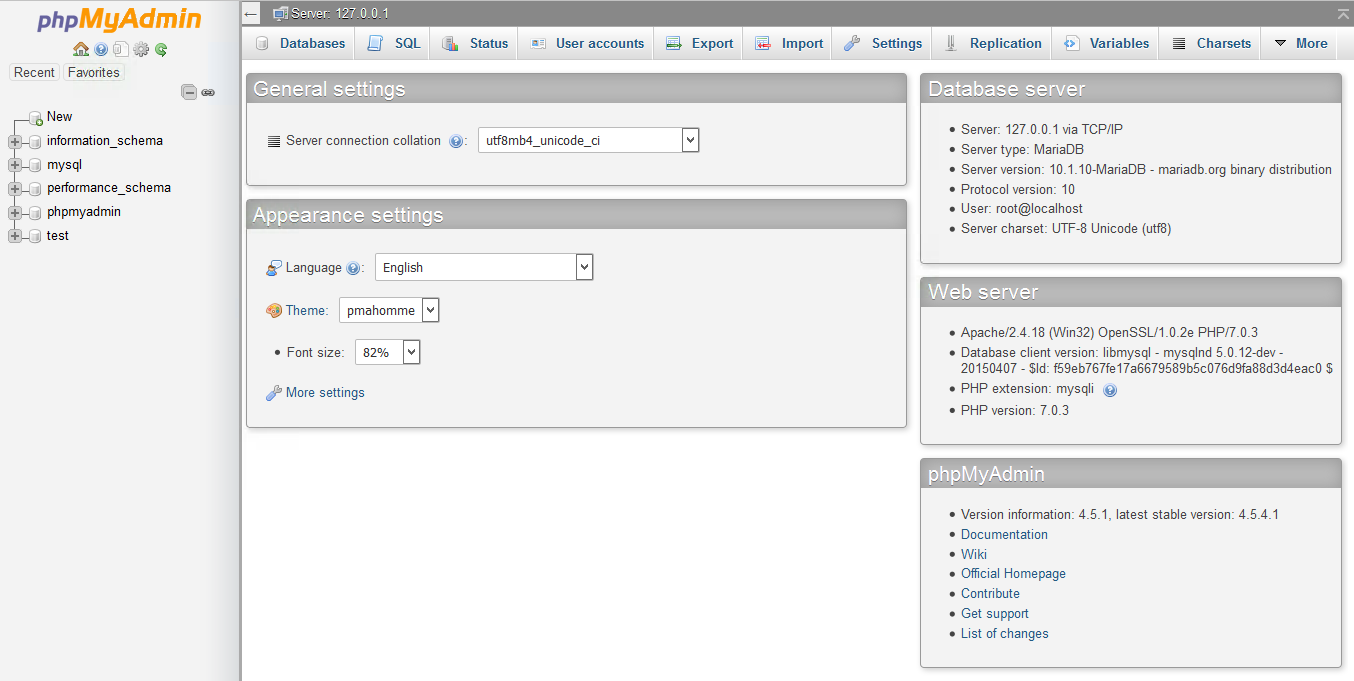
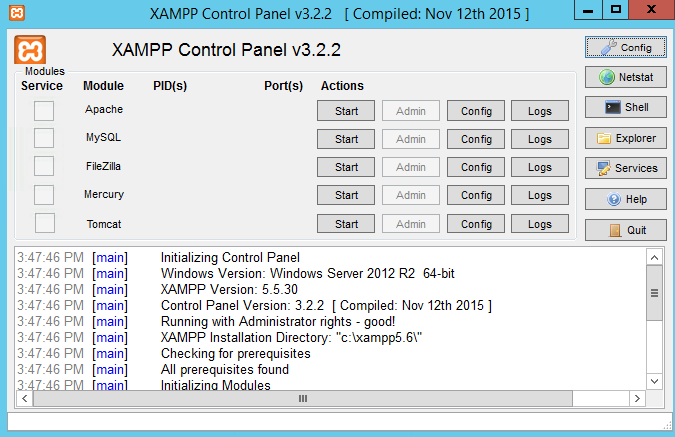
XAMPP is a very easy to install Apache Distribution for Linux, Solaris, Windows, and Mac OS X. The package includes the Apache web server, MySQL, PHP, Perl, a FTP server and phpMyAdmin.
Features
- Apache
- MySQL
- PHP
- Perl
- and many more...
Project Samples


License
GNU General Public License version 2.0 (GPLv2)Follow XAMPP
Other Useful Business Software
MongoDB Atlas runs apps anywhere
MongoDB Atlas gives you the freedom to build and run modern applications anywhere—across AWS, Azure, and Google Cloud. With global availability in over 115 regions, Atlas lets you deploy close to your users, meet compliance needs, and scale with confidence across any geography.
Rate This Project
Login To Rate This Project
User Reviews
-
Muito bom, uso para gerir meu servidor web caseiro.
-
Working cool ..
-
XAMPP remains a practical choice for developers who want a simple local environment for testing Apache, MySQL, PHP, and Perl projects. While working with web content locally, I also came across a useful collection of orbitmindset.com quotes that may interest readers exploring classic literature and its lasting influence.
-
XAMPP is a free local development tool that bundles Apache, PHP, MySQL, and phpMyAdmin together. Easy to get running, but a port 80 conflict during setup caused some troubleshooting headaches. The control panel looks outdated. Stable once configured. Good enough for basic PHP testing, not ideal if you need a close production mirror.
-
Does the job for local PHP testing I've been using XAMPP for around eight months on Windows, mainly to test PHP projects before pushing anything to a live server. I also end up in phpMyAdmin fairly regularly,, checking tables, importing backups, that kind of thing when I'm working on client sites. Getting it running wasn't a problem. Everything was up within a few minutes, which I appreciated because I didn't want to spend an afternoon on setup. Day-to-day it's been pretty reliable. Once Apache and MySQL are running, I mostly forget it's there. I usually just leave it open in the background while I'm coding. The only times I've actually had to mess with anything were port conflicts, something else was already sitting on port 80 or 3306, and XAMPP just wouldn't start. Changing the ports fixed it, but it took me a bit to figure out what was happening the first time.
