Download
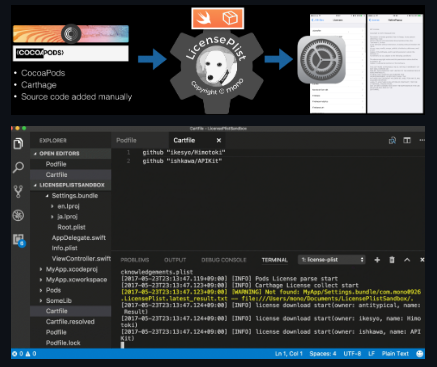
LicensePlist is a command-line tool that automatically generates a Plist of all your dependencies, including files added manually(specified by YAML config file) or using Carthage or CocoaPods. All these licenses then show up in the Settings app. Excludes can be defined to exclude matching libraries from the final output. An exclude is a dictionary containing any combination of name, source, owner, or licenseType. If a library name is unsuitable for the output bundle, you can explicitly rename it. This can be used when a library name is too vague, or if more human-readable names are needed. If you need to include a license that isn't available on GitHub, you can place the license text in the config file to be included in the output. The license text can also be read from a local file, to keep the config file clean.
Features
- The main parameters from the Options can be defined in the configuration file
- All the parameters are optional
- The tool uses the command line value if both the command line and the config specify values for the same attribute
- The command dialog allows to specify command line arguments
- Contextual menu command
- At the first run, Xcode asks a permission to run the plugin
Project Samples