Sparx' EA - MDG for TRAK Wiki
MDG for Sparx' Enterprise Architect to Create TRAK arch. descriptions
Brought to you by:
wikitect

The MDG file (e.g. TRAK_MDG_145.xml) needs to be placed in a folder and then Sparx EA needs to told where this is and the MDG then enabled:-
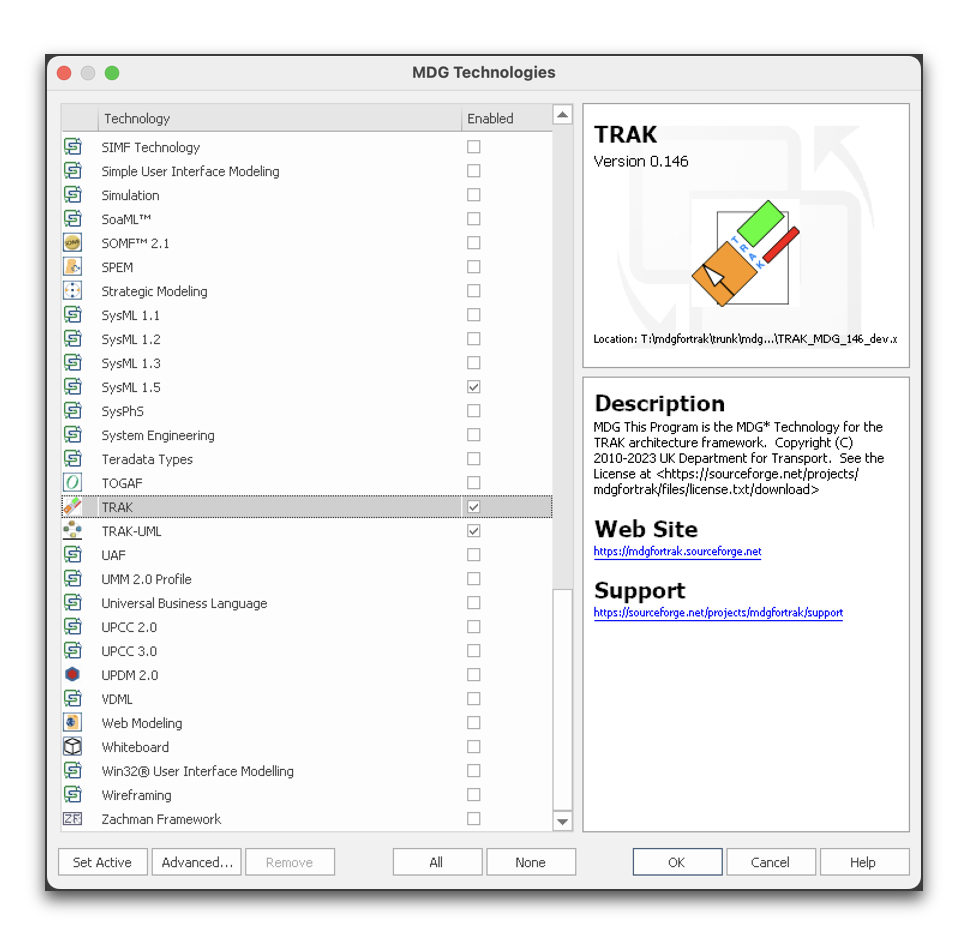
Do not use the Import Technology option under Specialize > Technologies > Publish Technology > Import MDG Technology
If you do this will have to be removed before loading the MDG for TRAK using the 'Manage-Tech' menu item above. See under Notes in https://sparxsystems.com/enterprise_architect_user_guide/17.1/modeling_frameworks/importmdgtechnologies.html 'to remove an MDG Technology...'



