
Menu
▾
▴

Q&A
Q&A
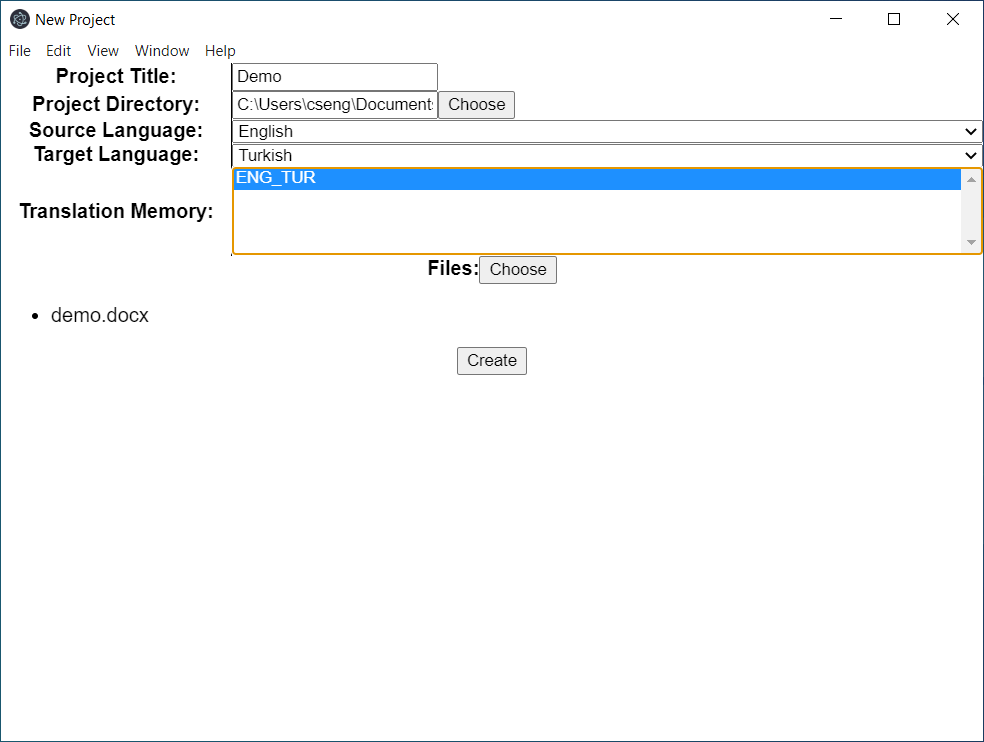
1.How do I create a project?
Two points that may require clarification are:
* a) Project Directory must be an empty folder.
* b) Double-clicking a file removes it from the list.
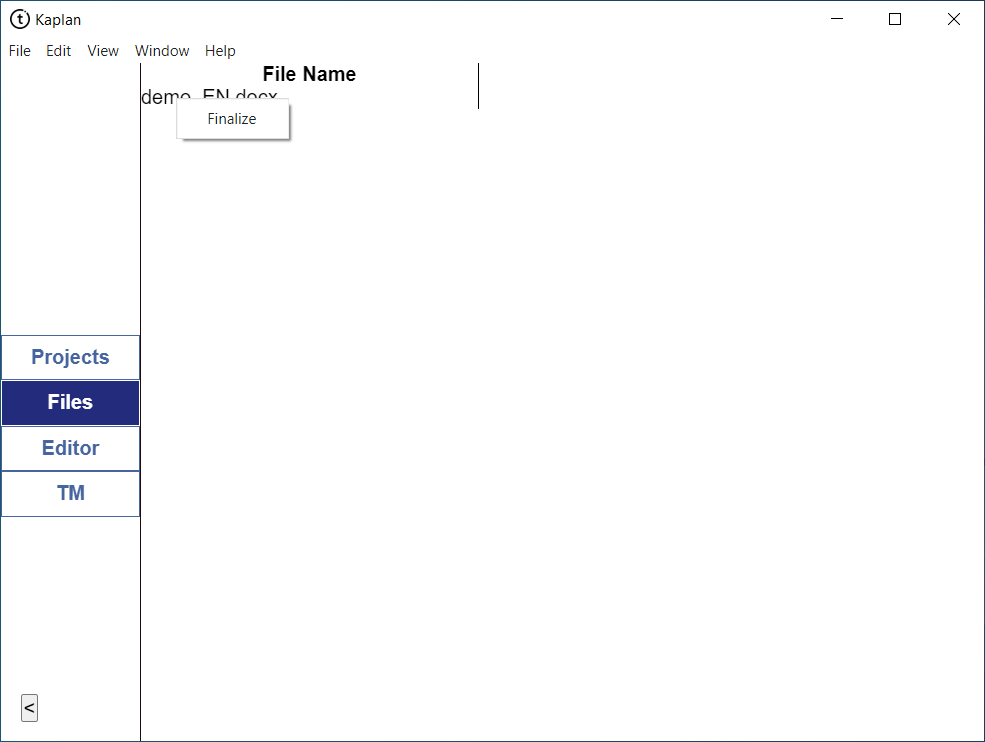
2.How do I finalize a file?
When in the Files tab, right-click a file to get this option. The target translation will be generated under the target language directory (path/to/project/target-language-iso-code).
3.How do I merge segments?
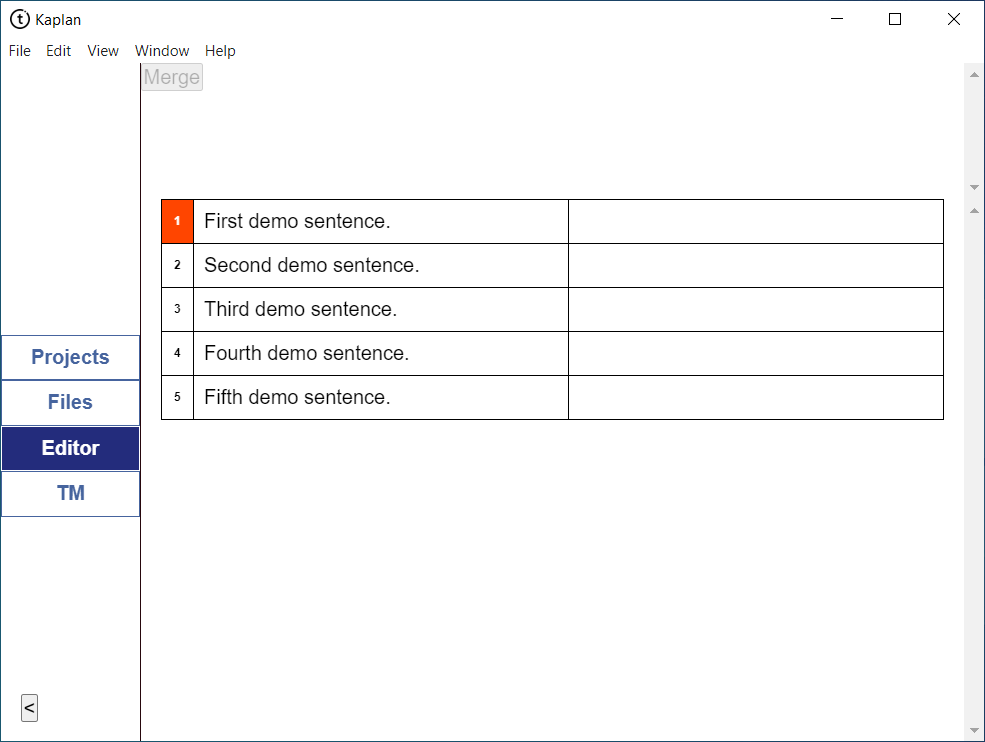
Clicking on the number of a segment selects it and a deactivated Merge button will appear at the top.
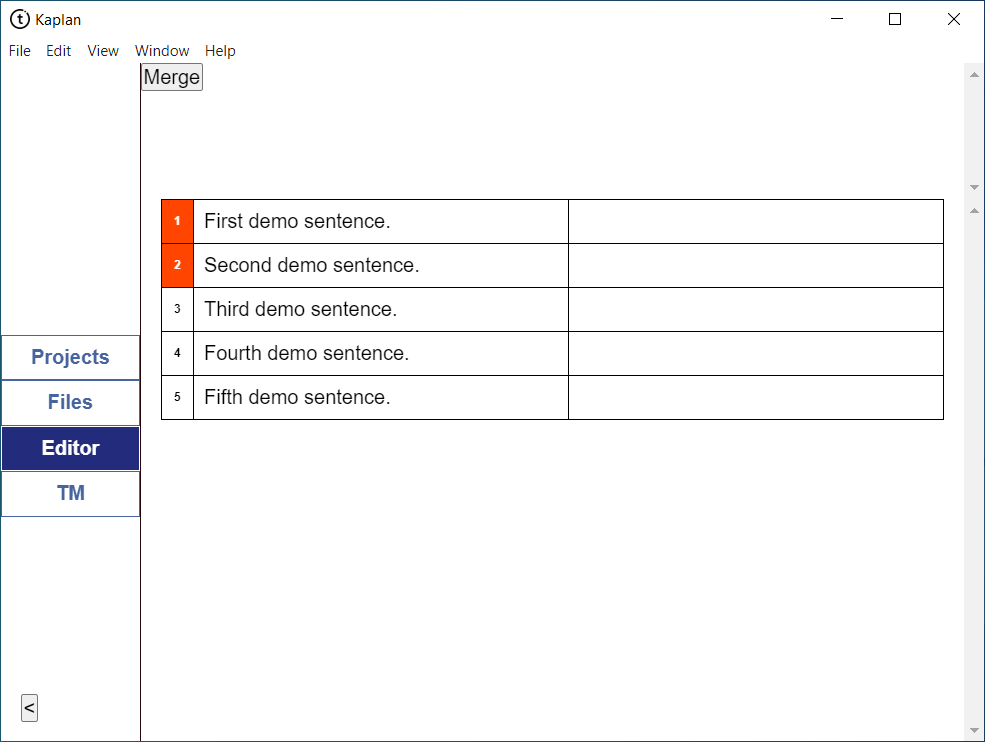
It will be activated when two or more segments are selected.
Should you attempt to merge segments from seperate bodies of texts you’ll see the following error in the second window:
AssertionError: Segments are of different paragraphs.
4.What is that second window for?
Whenever you launch Kaplan, you’ll see that a second window pops up, looking similar, if not identical, to the image below:
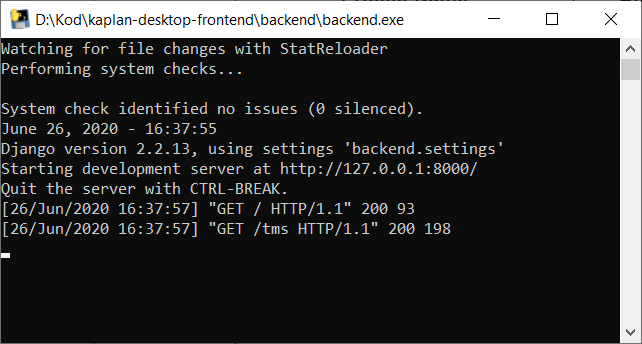
This window helps to identify bugs and crashes, and should you require assistance with anything, this is where you’ll find most errors. If you close it, Kaplan will not function.


