
deepin UOS AI Integrates with DeepSeek-R1 Model!
In an effort to make the open source Linux ecosystem even smarter, deepin UOS AI has officially integrated DeepSeek-R1, an edge-optimized AI model. This integration enables users of deepin 23 and deepin 25 Preview to leverage robust, privacy-focused AI capabilities directly on their devices—no cloud dependency required.
Why this Matters
DeepSeek-R1, known for its lightweight architecture and edge-computing efficiency, eliminates the need for cloud-based processing. By running entirely locally, it ensures data privacy while maintaining low hardware overhead—ideal for users ranging from developers to daily Linux enthusiasts.
How to Set Up DeepSeek-R1 on deepin
- Update UOS A
deepin 23: One-click update via Application Store.
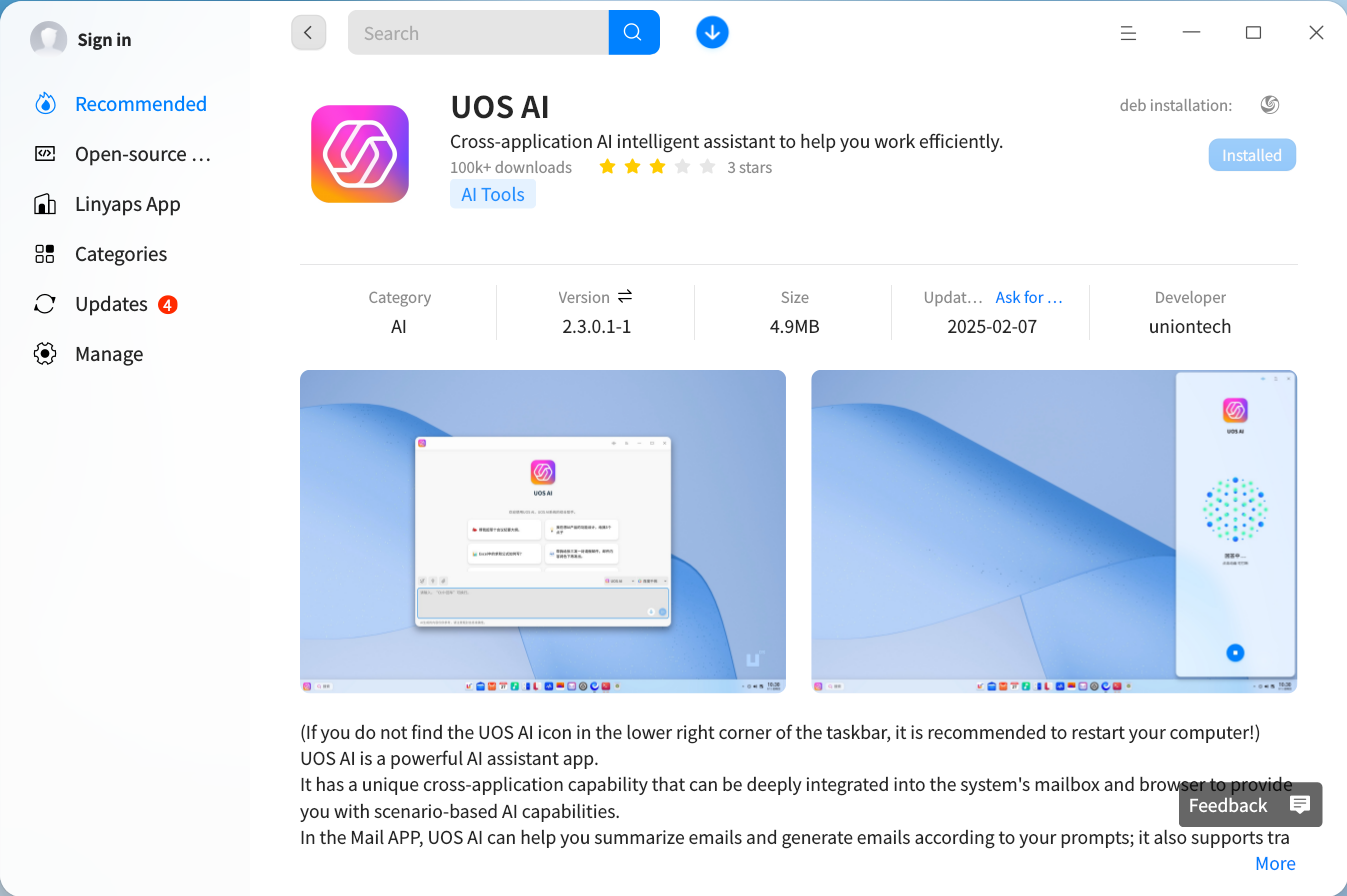
deepin 25 Preview:
sudo apt update
sudo apt install uos-ai deepin-modelhub uos-ai-rag
Pro Tip: First-time users will activate a free trial account post-installation.
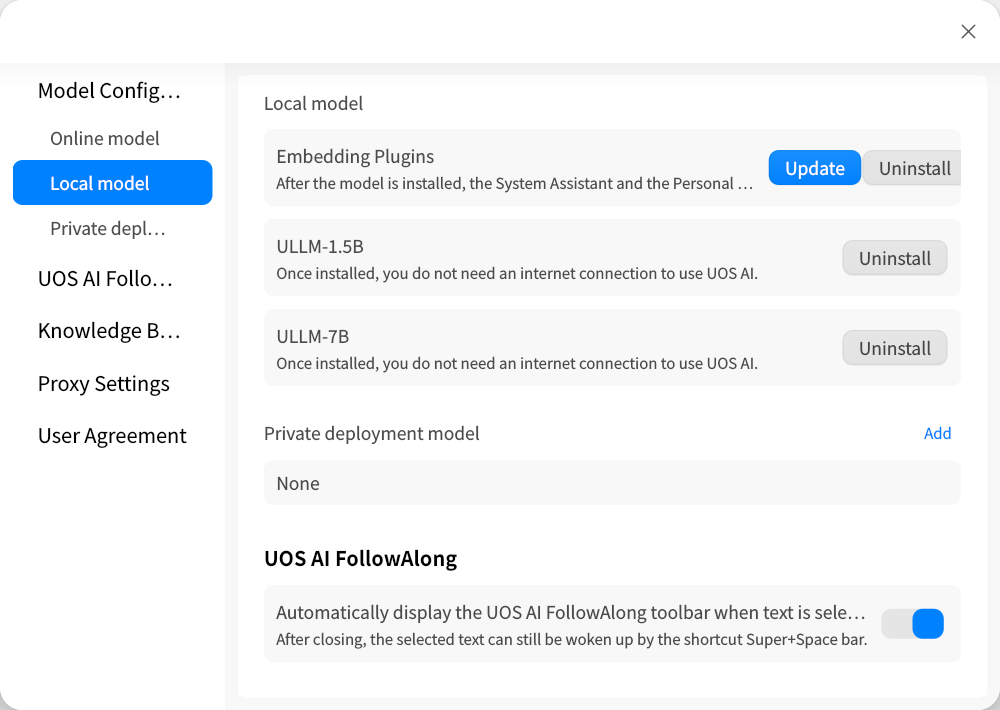
After updating, open the Settings option in UOS AI, go to Model Configuration - Local Models, and select Embedding Plugin - Install/Update. You will be automatically redirected to the application store interface, where you can click Install/Update to complete the process.
-
Download & Install Model
Grab the pre-optimized DeepSeek-R1-1.5B GGUF from Google Drive .
Move the model to:
/home/[USERNAME]/.local/share/deepin-modelhub/models -
Activate in UOS AI
Navigate: Settings → Model Configuration → Local Models → Select DeepSeek-R1-1.5B.
What’s Next?
The deepin team teases CUDA acceleration support in upcoming updates, promising GPU users a speed boost.
For Technical Details & Support
Visit deepin Official Site
John deepin Telegram Group
 2025-03-05
Labels:
deepin
linux
DeepSeek
AI
2025-03-05
Labels:
deepin
linux
DeepSeek
AI

